
Platforms
One control room, wherever you work.
Hallelo Studio is coming to the Mac and the web first, then Linux and Windows, and Hallelo Stream to iPhone and iPad. Here is what each does and what it needs. Every one of them is coming soon.
One studio, every screen
On the Mac, on the web, and on its way to Linux and Windows.
Hallelo Studio is one control room in several places. Whichever you sit at, your cameras, graphics and channels are the same, and it all goes to Hallelo Live.


Hallelo Studio for Mac
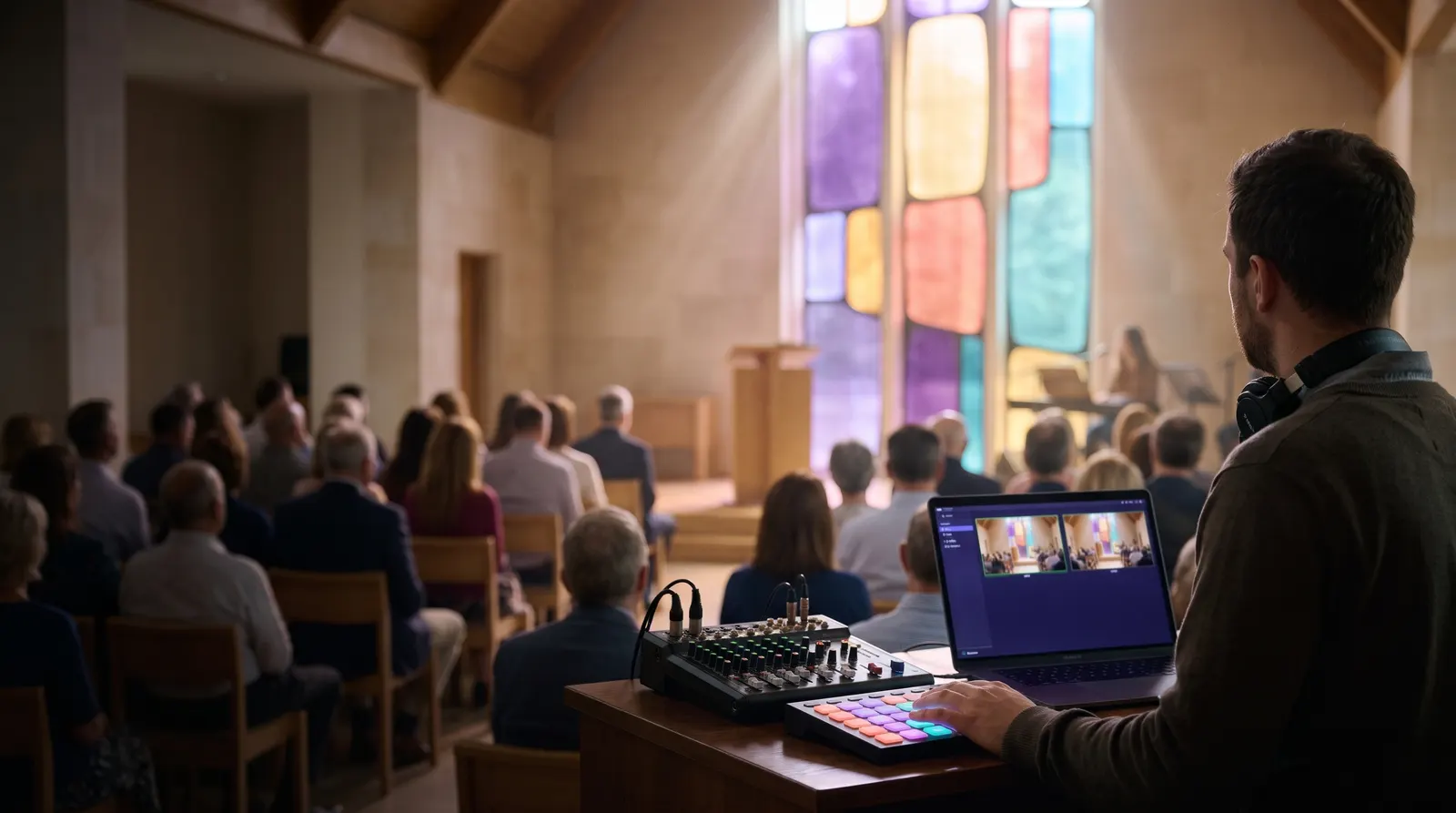
Coming soonThe switcher, graphics, sound, the library, 24/7 channels and master control, in one Mac app. The engine runs on its own, so the service keeps going even if the window closes.
- A Mac with Apple silicon (M1 or later)
- macOS 26
- About 10 Mbps upload for 1080p

Side by side
What each one does.
The web is where the team manages the library and channels; the live desk runs on a computer in the building. Where a desk platform doesn’t have something yet, it says so.
| Mac | Web | Linux | Windows | |
|---|---|---|---|---|
| Live switching, keys and scenes | Yes | Not here | Yes | Yes |
| Sound desk | Yes | Not here | Yes | Yes |
| Graphics | Yes | Not here | Not yet | Yes |
| Phones as cameras (Hallelo Stream) | Yes | Not here | Yes | Yes |
| Sending to Hallelo Live | Yes | Not here | Yes | Yes |
| Library and on demand | Yes | Yes | Not yet | Not yet |
| 24/7 channels | Yes | Yes | Not yet | Not yet |
| Control surfaces and tally | Yes | Not here | Not yet | Not yet |
What each needs
Requirements.
Mac
Coming soon- A Mac with Apple silicon (M1 or later)
- macOS 26
- About 10 Mbps upload for 1080p

Web
Coming soon- Any up-to-date browser
- Nothing to install: Hallelo Live does the streaming
Linux
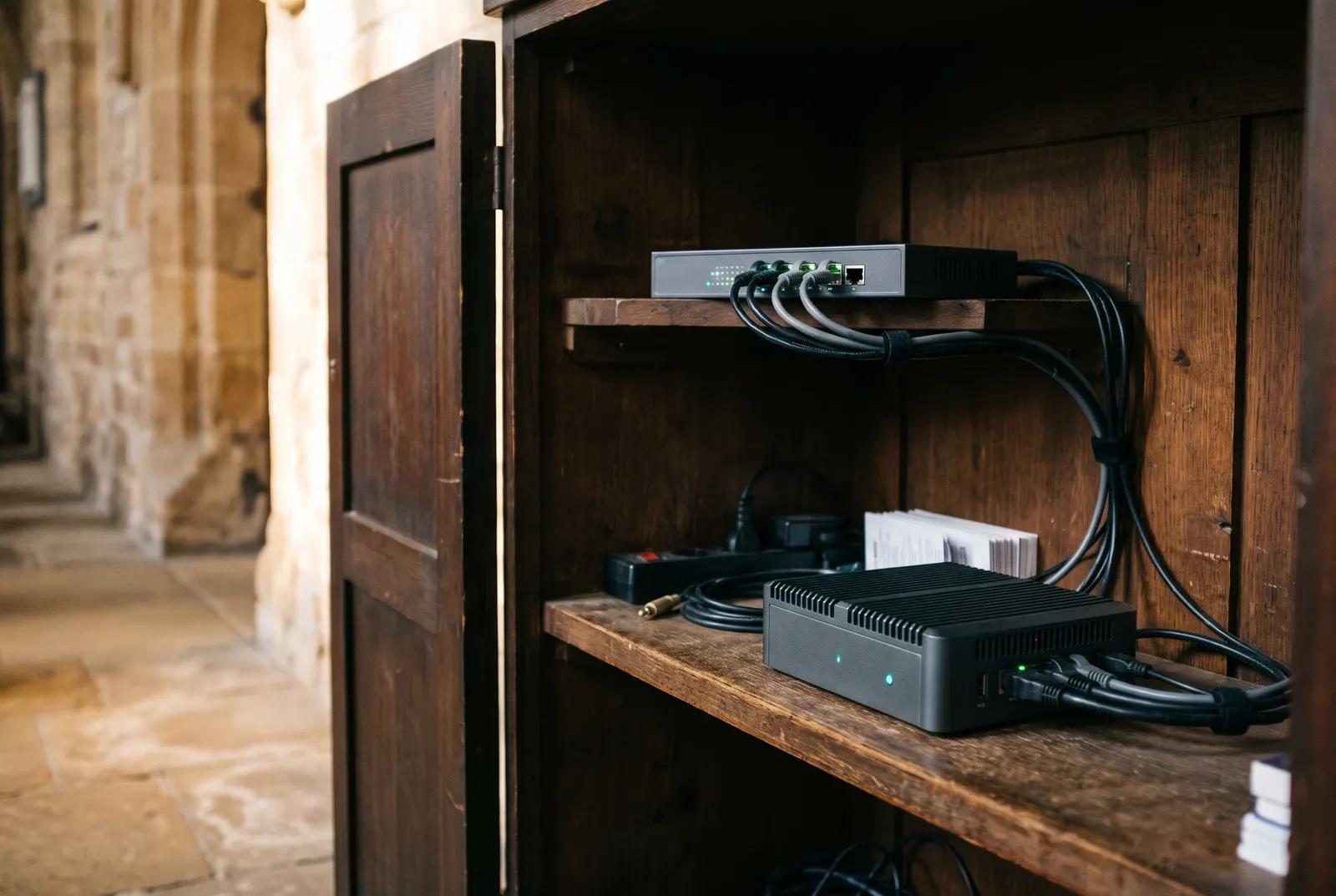
Coming soon- Ubuntu 24.04 or 26.04
- An 8-core x86-64 for 1080p30 with four to six inputs
- .deb packages and an apt repository
iPhone
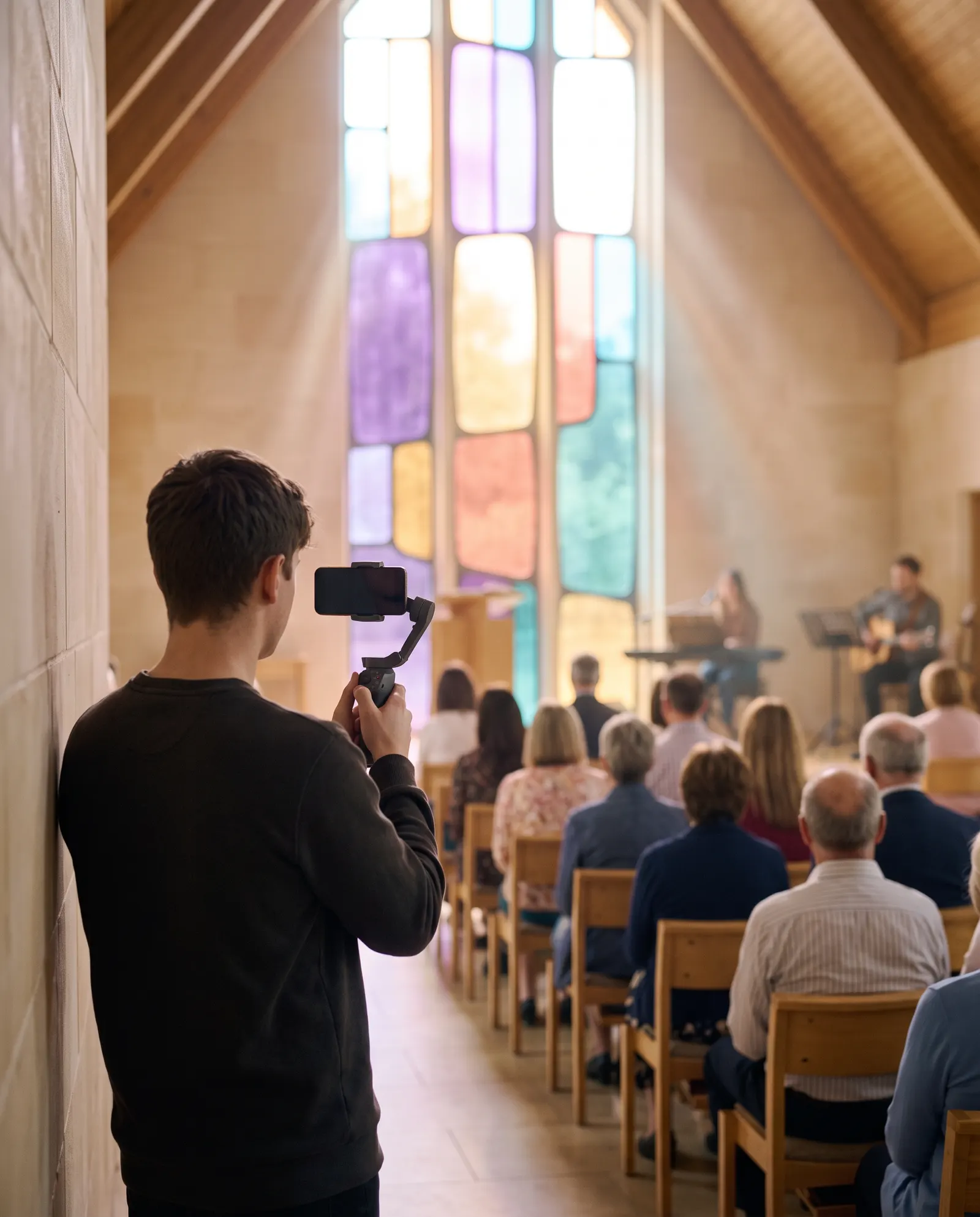
Coming soon- iOS and iPadOS 26
- Up to 1080p at 60 fps
- Pairs by QR code, a code, or on the same network


Make every service beautiful.
Hallelo Studio and Hallelo Stream are coming soon. Tell us about your church and which platforms you use, and we’ll bring you in early.